What on Earth is MCP?
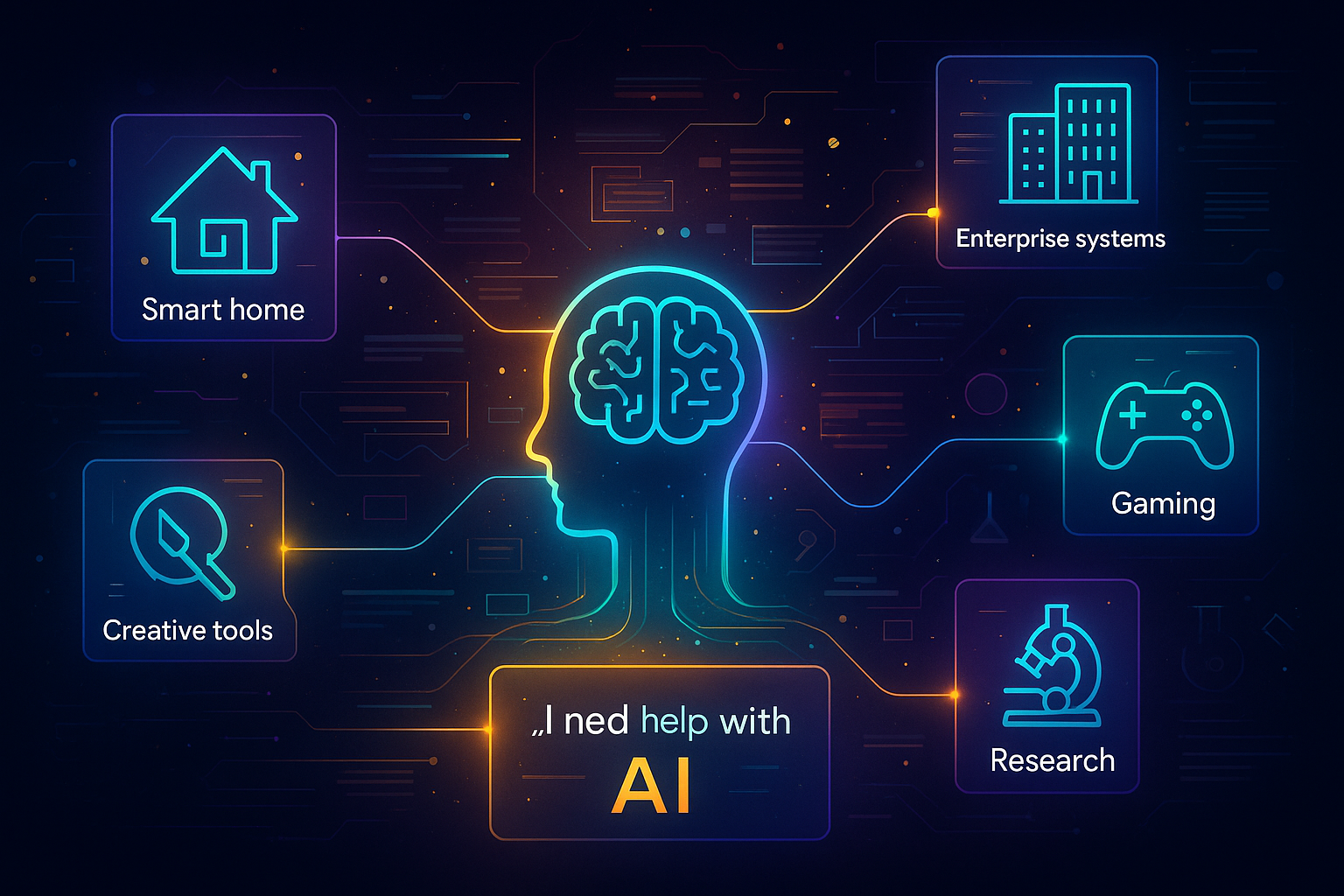
Have you ever wondered how modern AI models like ChatGPT and Claude suddenly learned to calculate equations, check live weather, or query real databases? In the early days, language models could only generate text; now, they interact with the physical and digital world in real time.
This evolution started with tool calling—the ability of an AI model to invoke predefined functions. But conventional tool calling comes with major bottlenecks: tools are typically hardcoded into a single application codebase and cannot be shared across different AI hosts.
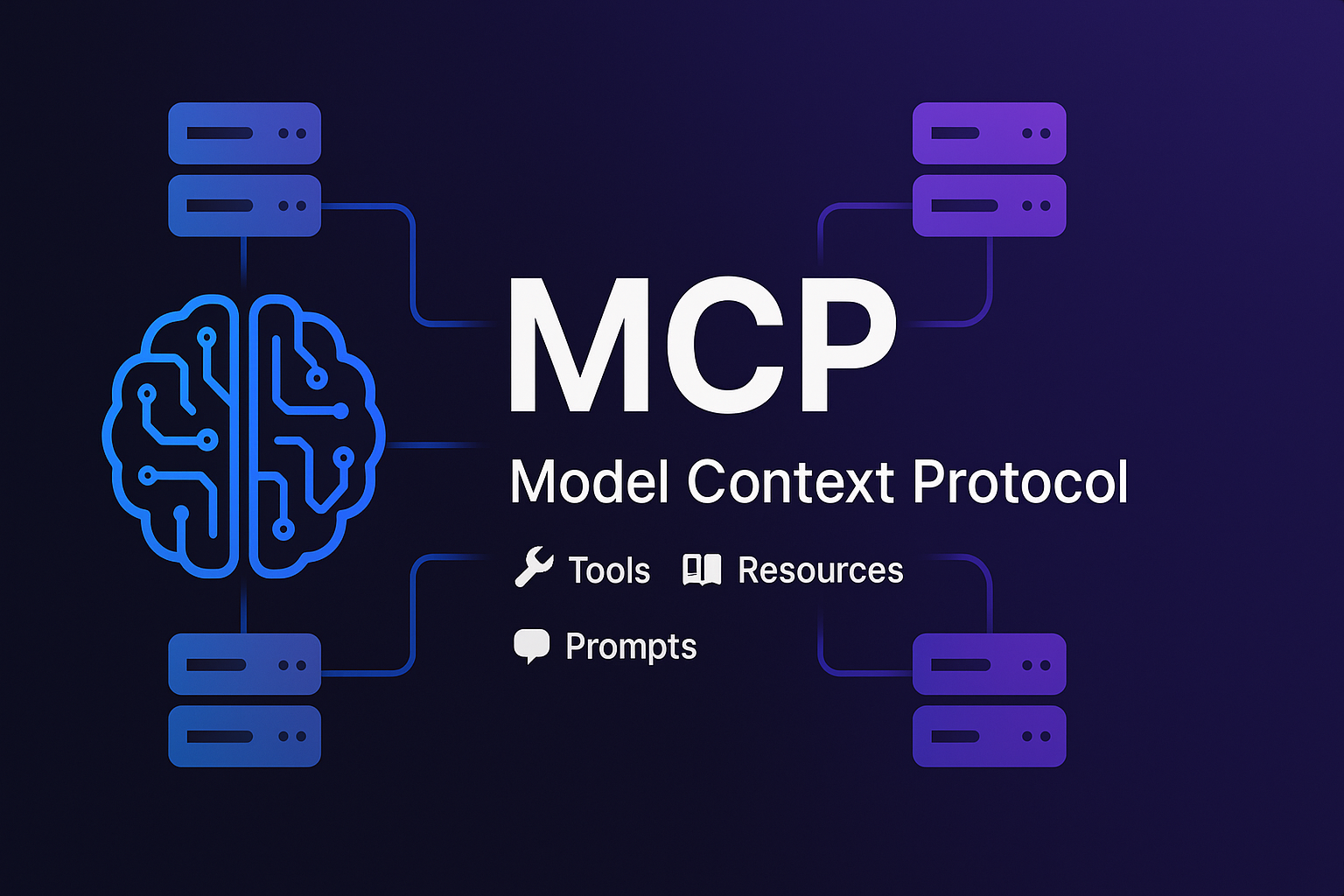
That is where the Model Context Protocol (MCP) enters the scene as a game-changer! 🦸♂️
MCP = Tool Calling on Steroids
If traditional tool calling is like a fixed toy box, MCP is an infinite toy store where the AI can browse and shop for superpowers on demand!
// Legacy tool calling: Hardcoded function listconst tools = [calculate, getWeather, sendEmail]; // ← Fixed at compile time!// MCP: AI dynamically discovers tools from independent serversconst mathServer = new MCPServer("math-tools");const weatherServer = new MCPServer("weather-api");const emailServer = new MCPServer("email-service");// AI: "What capabilities are available right now?"const availableTools = await discoverAllTools(); // ← Dynamic discovery!
Key Differences:
- Traditional Tool Calling: ❌ Static, tightly coupled, closed ecosystem
- MCP: ✅ Dynamic, discoverable, decoupled, open standard
🏗️ MCP Architecture: Simple Yet Powerful
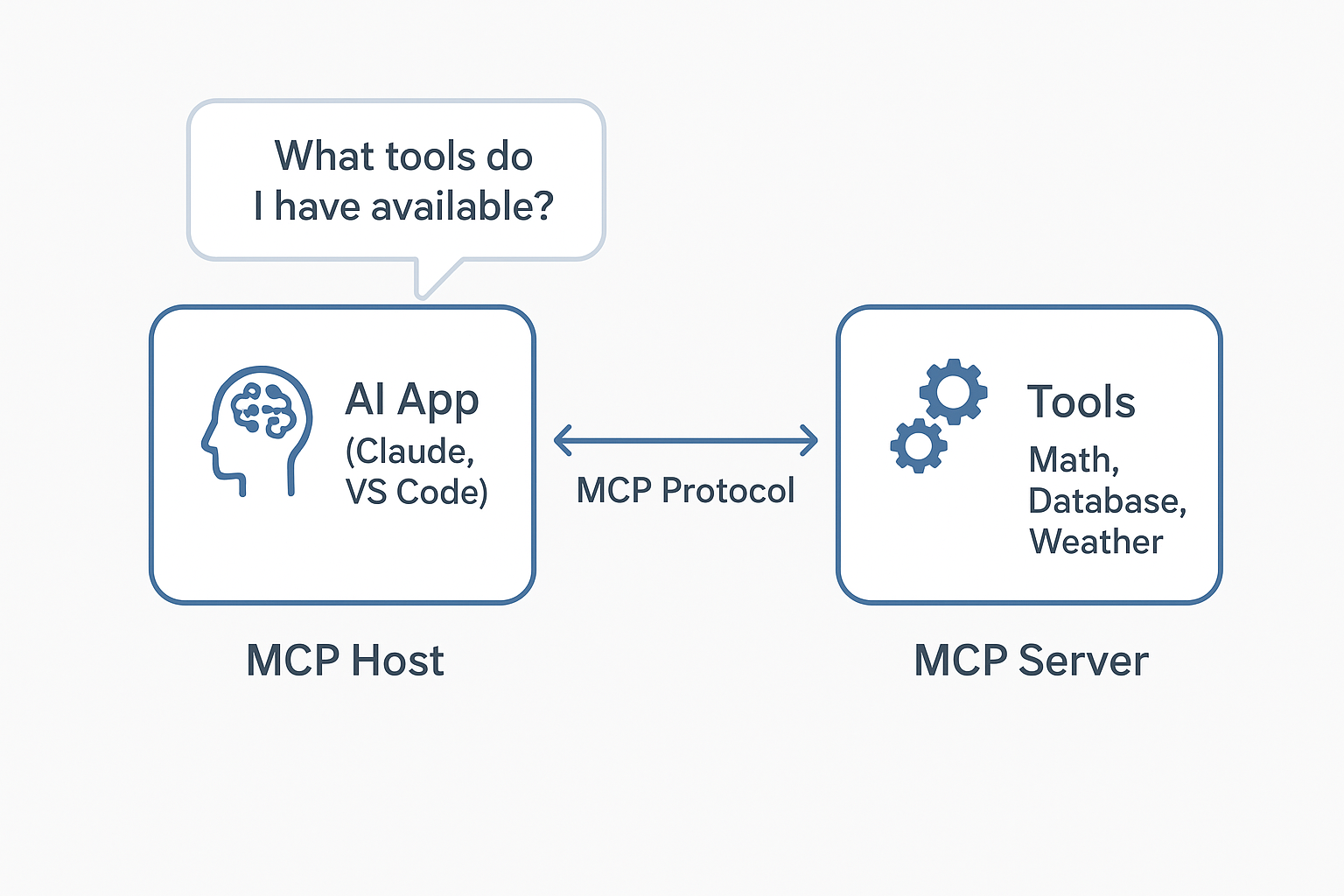
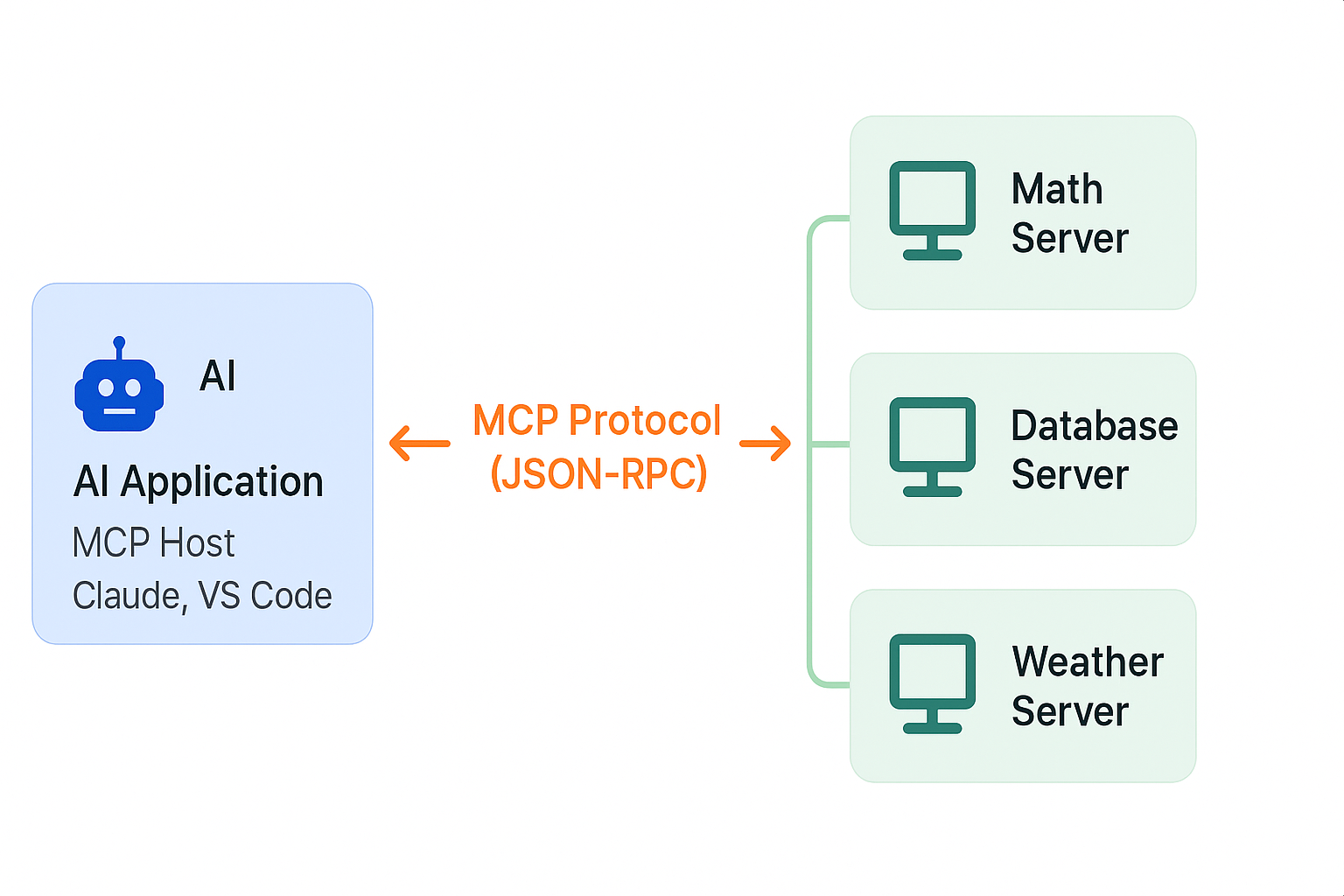
- MCP Host: The AI client application (such as Claude Desktop, Cursor, or VS Code).
- MCP Server: A standalone program or microservice that exposes tools, data, or prompt templates.
- MCP Protocol: A standardized JSON-RPC 2.0 communication layer linking client and server over stdio or HTTP/SSE.
Think of it like this:
AI asks: "What capabilities do you offer?"
Server replies: "I provide calculator, factorial, and fibonacci tools!"
AI responds: "Great, execute calculator with expression '2 + 2'!" 🤝
🎯 The Three Core Primitives of MCP
1. 🛠️ Tools (Executable Actions)
// Server exposes a toolserver.registerTool("calculate", {description: "Evaluate a mathematical expression",inputSchema: { expression: z.string() }}, async ({ expression }) => {return { content: [{ type: "text", text: String(eval(expression)) }] };});// AI executes the toolawait client.callTool('calculate', { expression: '2 + 2' });// → "4"
Common tool types:
send_email(to, subject, body)- Send notificationsquery_database(sql)- Query Postgres / MySQL databasesget_weather(city)- Fetch live meteorological telemetrywrite_file(path, content)- File system mutations
2. 📚 Resources (Readable Data)
// Server exposes read-only resourcesawait client.readResource('file:///project/README.md');await client.readResource('database://users/schema');await client.readResource('api://swagger.json');
Resources operate like standard REST endpoints for retrieving context, documents, and data schemas without executing side effects.
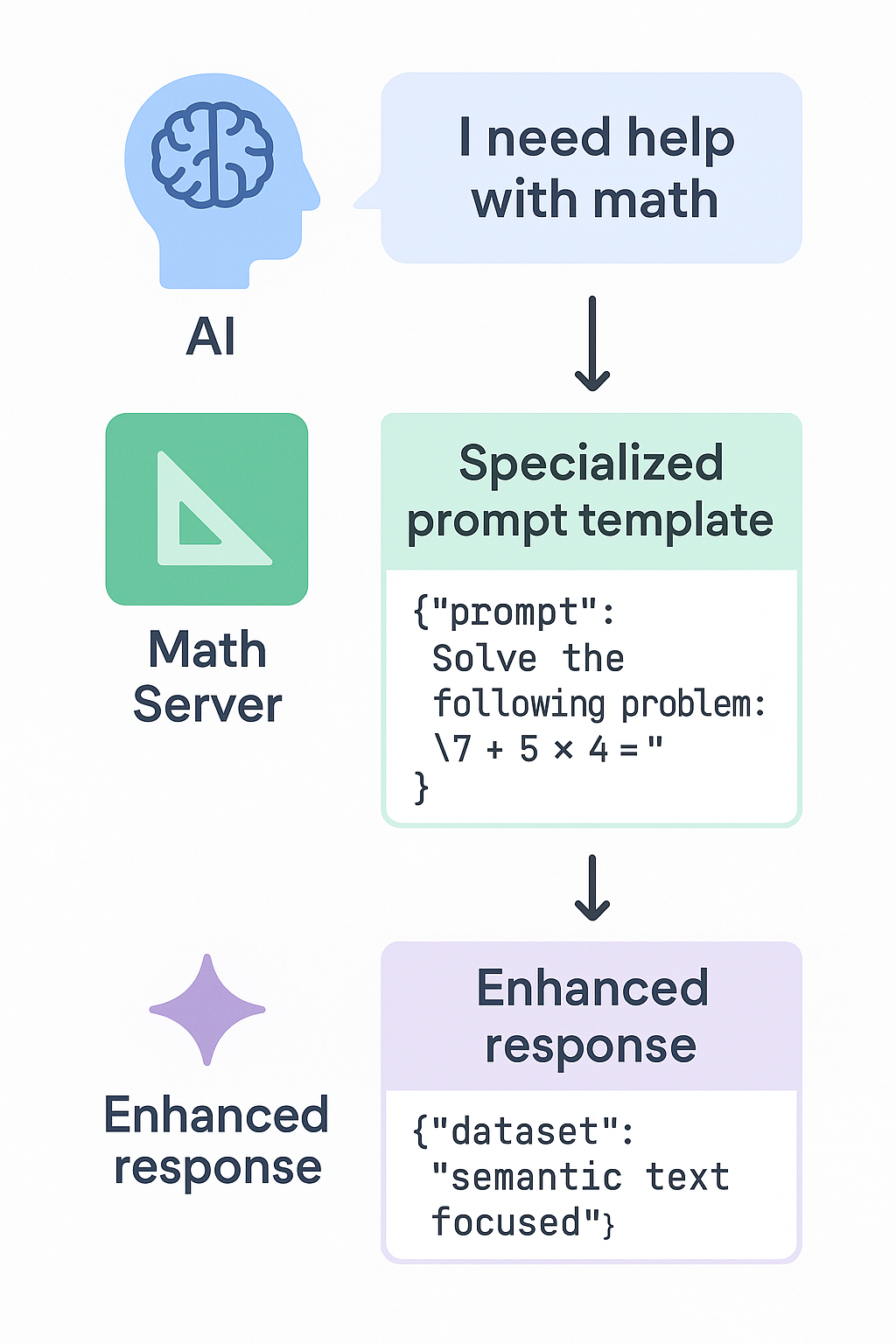
3. 💬 Prompts (Standardized AI Templates)
Prompts allow domain experts to define structured instructions and workflows directly on the server:
server.registerPrompt("solve-equation", {argsSchema: { equation: z.string(), method: z.string() }}, ({ equation, method }) => ({messages: [{role: "user",content: {type: "text",text: `Solve this equation step by step: ${equation} using ${method}.`}}]}));
🚀 How MCP Operates in Three Phases
- Discovery: The AI queries connected servers via
tools/list,resources/list, andprompts/list. - Execution: The AI calls functions or reads data based on user intents (
tools/call,resources/read). - Real-time Updates: Servers can notify clients when capabilities change via
tools/list_changedevents.
🔥 Real-World Development Workflow
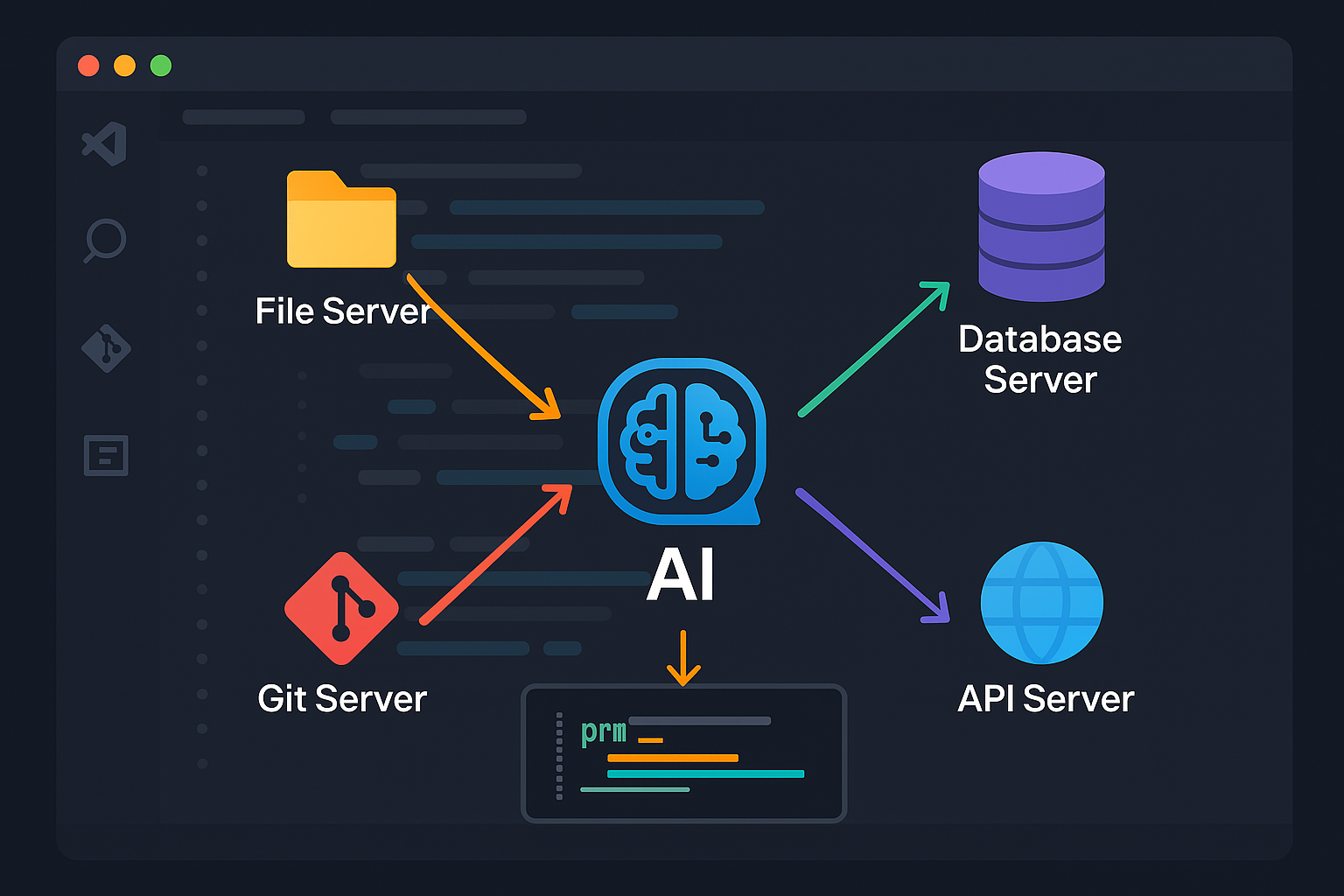
Imagine an IDE like VS Code integrated with MCP:
const client = new MCPClient();// Connect to multiple servers seamlesslyawait client.connect('node', ['./file-server.js']); // File operationsawait client.connect('node', ['./db-server.js']); // Database accessawait client.connect('node', ['./git-server.js']); // Git operationsawait client.connect('node', ['./api-server.js']); // API testing// The AI now has unified, ambient context:const files = await client.callTool('list_files', { pattern: '*.ts' });const schema = await client.callTool('describe_table', { table: 'users' });const commits = await client.callTool('git_log', { limit: 10 });
🆚 MCP vs REST APIs
| REST API | MCP |
|----------|-----|
| HTTP requests | JSON-RPC messages |
| Custom individual endpoints | Standardized methods (tools/list, tools/call) |
| Manual integration per service | Automatic capability discovery |
| Designed for human engineers | Designed for autonomous AI agents |
| Static documentation | Dynamic negotiation of parameters |
🔮 The Future of Model Context Protocol
MCP establishes the universal USB-C cable for AI assistants:
- Smart Homes: AI controls IoT appliances through local MCP bridges.
- Enterprise Engineering: AI interacts with internal microservices, observability platforms, and Jira without bespoke plugins.
- Development Tools: AI inspects codebases, runs unit tests, and validates schemas across isolated environments.