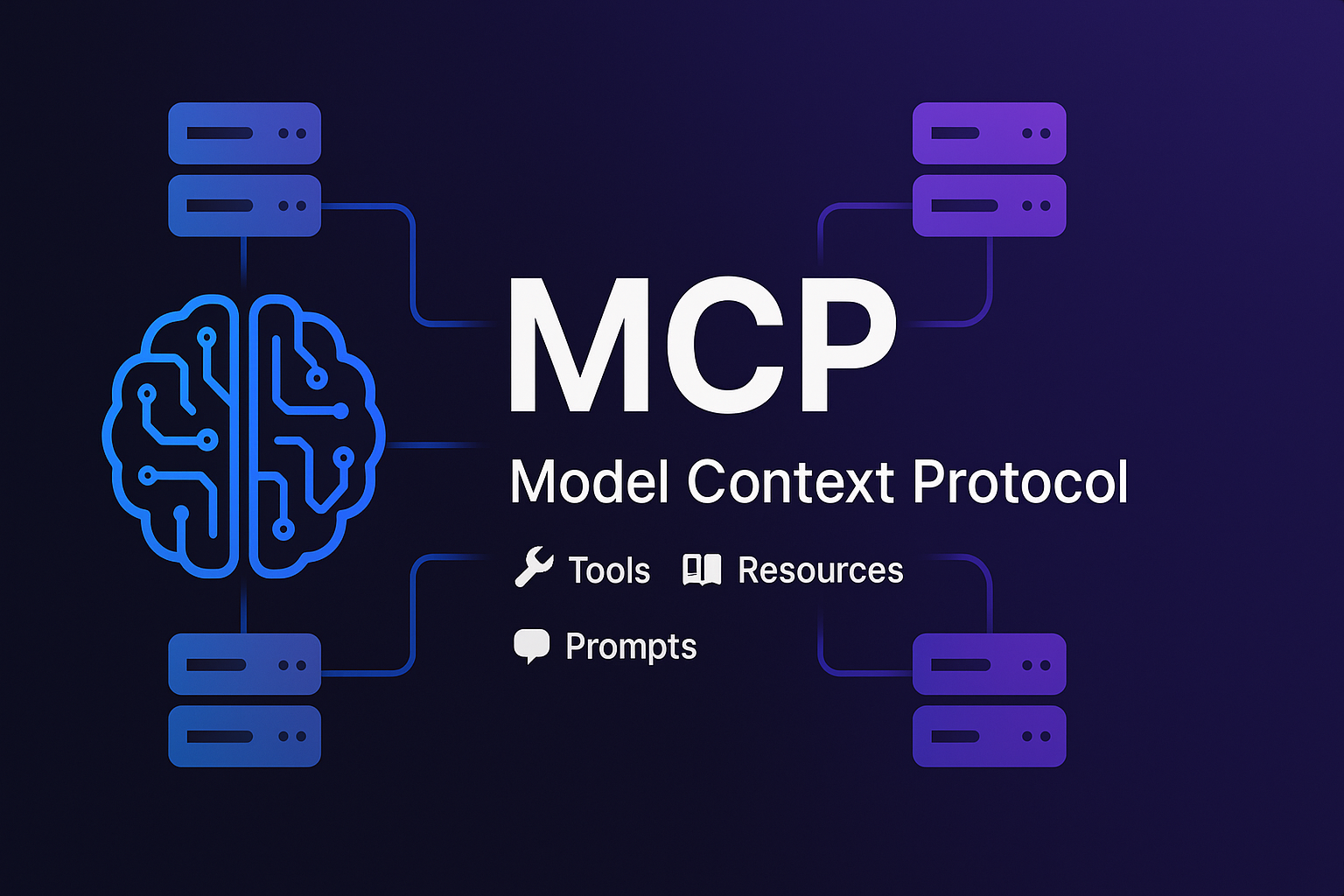
MCP là cái quái gì thế?
Có bao giờ bạn thắc mắc tại sao AI như ChatGPT bỗng nhiên biết gọi calculator, check weather, hay query database được không? Trước kia AI chỉ biết nói chuyện, giờ lại biết "làm việc" thực tế như thế này?
Đó chính là nhờ tool calling - khả năng AI gọi các functions bên ngoài. Nhưng mà tool calling truyền thống có hạn chế: AI chỉ dùng được các functions hardcoded sẵn trong app.
Rồi Model Context Protocol (MCP) xuất hiện như một "siêu anh hùng" giải quyết vấn đề này! 🦸♂️
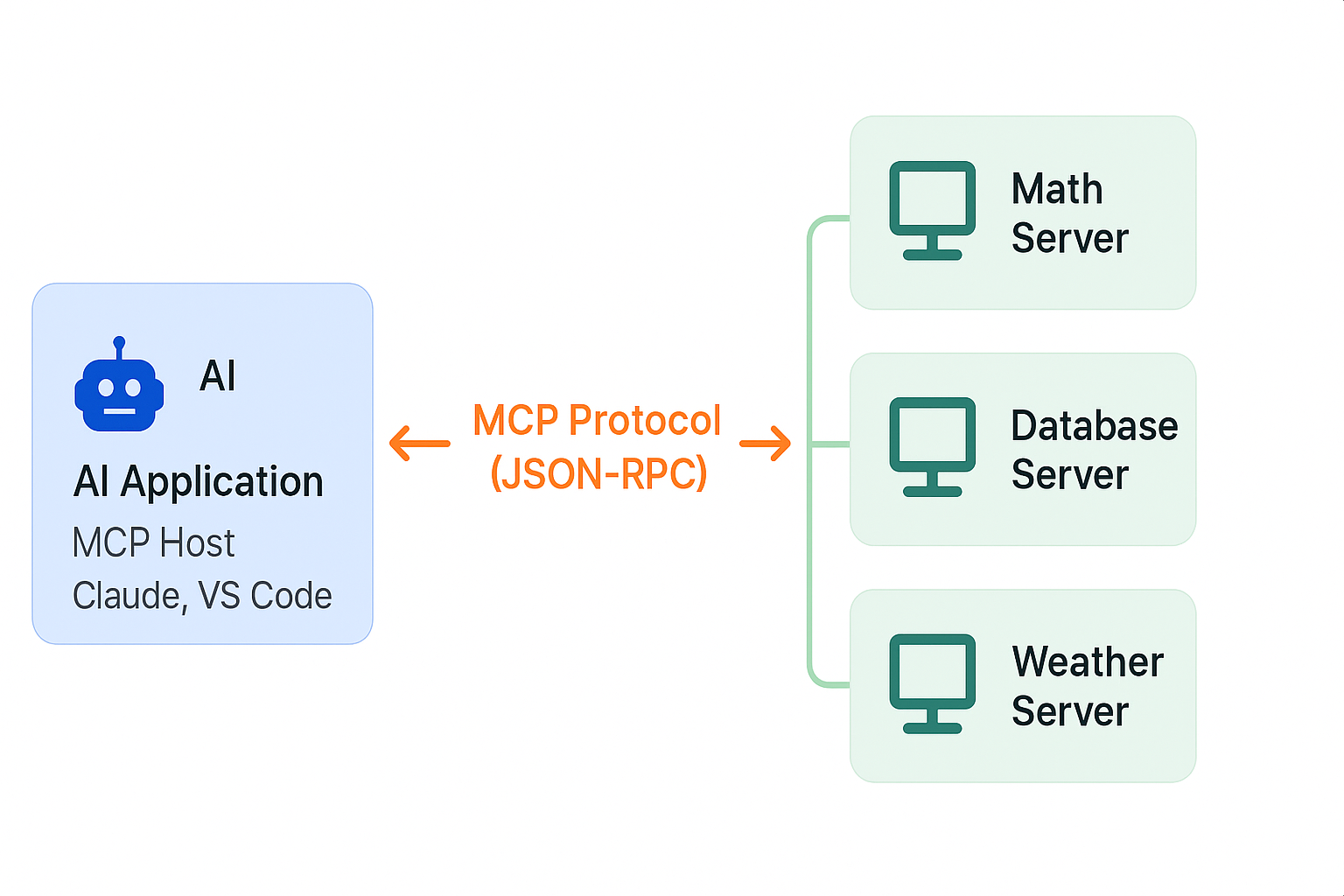
MCP = Tool Calling "ăn steroid"
Nếu ví tool calling truyền thống như một cái hộp đồ chơi cố định, thì MCP là một cửa hàng đồ chơi khổng lồ mà AI có thể tự shopping!
// Tool calling cũ: Functions hardcodedconst tools = [calculate, getWeather, sendEmail]; // ← Cố định!// MCP: AI tự discovery tools từ serversconst mathServer = new MCPServer("math-tools");const weatherServer = new MCPServer("weather-api");const emailServer = new MCPServer("email-service");// AI: "Hmm, tôi cần tools gì nhỉ?"const availableTools = await discoverAllTools(); // ← Dynamic!
Điểm khác biệt chính:
- Tool calling: ❌ Static, hardcoded, limited
- MCP: ✅ Dynamic, discoverable, unlimited
🏗️ Kiến trúc MCP - Đơn giản mà hiệu quả
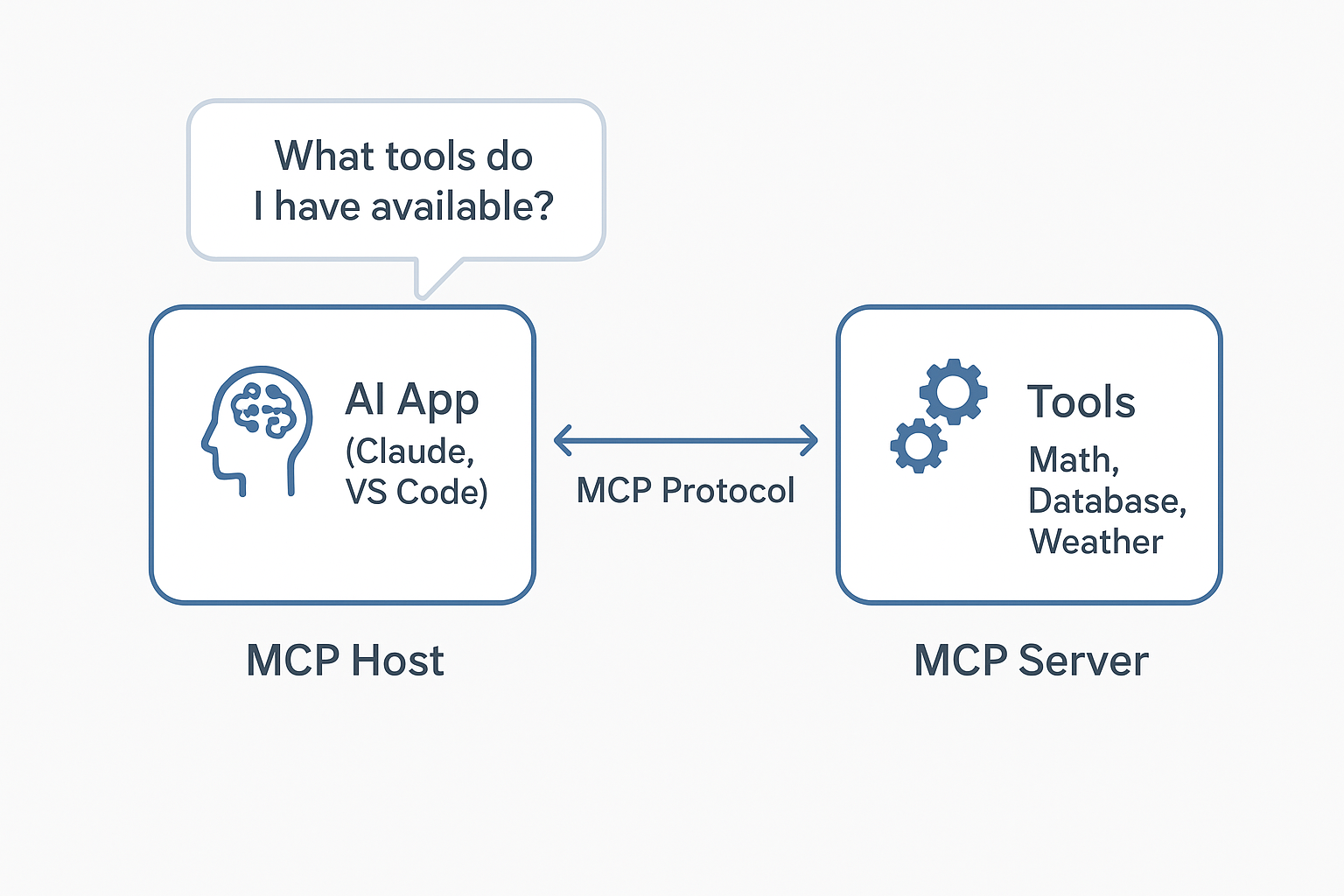
MCP Host: AI application (như Claude, VS Code) MCP Server: Chương trình cung cấp tools/resources MCP Protocol: Ngôn ngữ giao tiếp chuẩn (JSON-RPC)
Kiểu như AI nói: "Anh có tools gì không?" Server trả lời: "Tôi có calculate, factorial, fibonacci đây!" AI: "Cho tôi xài cái calculate với!" 🤝
🎯 Ba "anh em ruột" của MCP
1. 🛠️ Tools - "Functions AI có thể gọi"
// Server expose toolsserver.registerTool("calculate", {description: "Tính toán biểu thức toán học",inputSchema: { expression: z.string() }}, async ({ expression }) => {return { content: [{ type: "text", text: eval(expression) }] };});// AI gọi toolawait client.callTool('calculate', { expression: '2 + 2' });// → "4"
Ví dụ tools hay có:
send_email(to, subject, body)- Gửi emailquery_database(sql)- Query databaseget_weather(city)- Lấy thông tin thời tiếtcreate_file(path, content)- Tạo file
2. 📚 Resources - "Data AI có thể đọc"
// Server expose resourcesawait client.readResource('file:///project/README.md');await client.readResource('database://users/schema');await client.readResource('api://swagger.json');
Resources giống như API endpoints nhưng để đọc data thôi, không có side effects.
Ví dụ resources:
- File contents:
file:///path/to/code.js - Database schemas:
db://table_info - Configuration:
config://app.json - Documentation:
docs://api-guide
3. 💬 Prompts - "Templates cho AI"
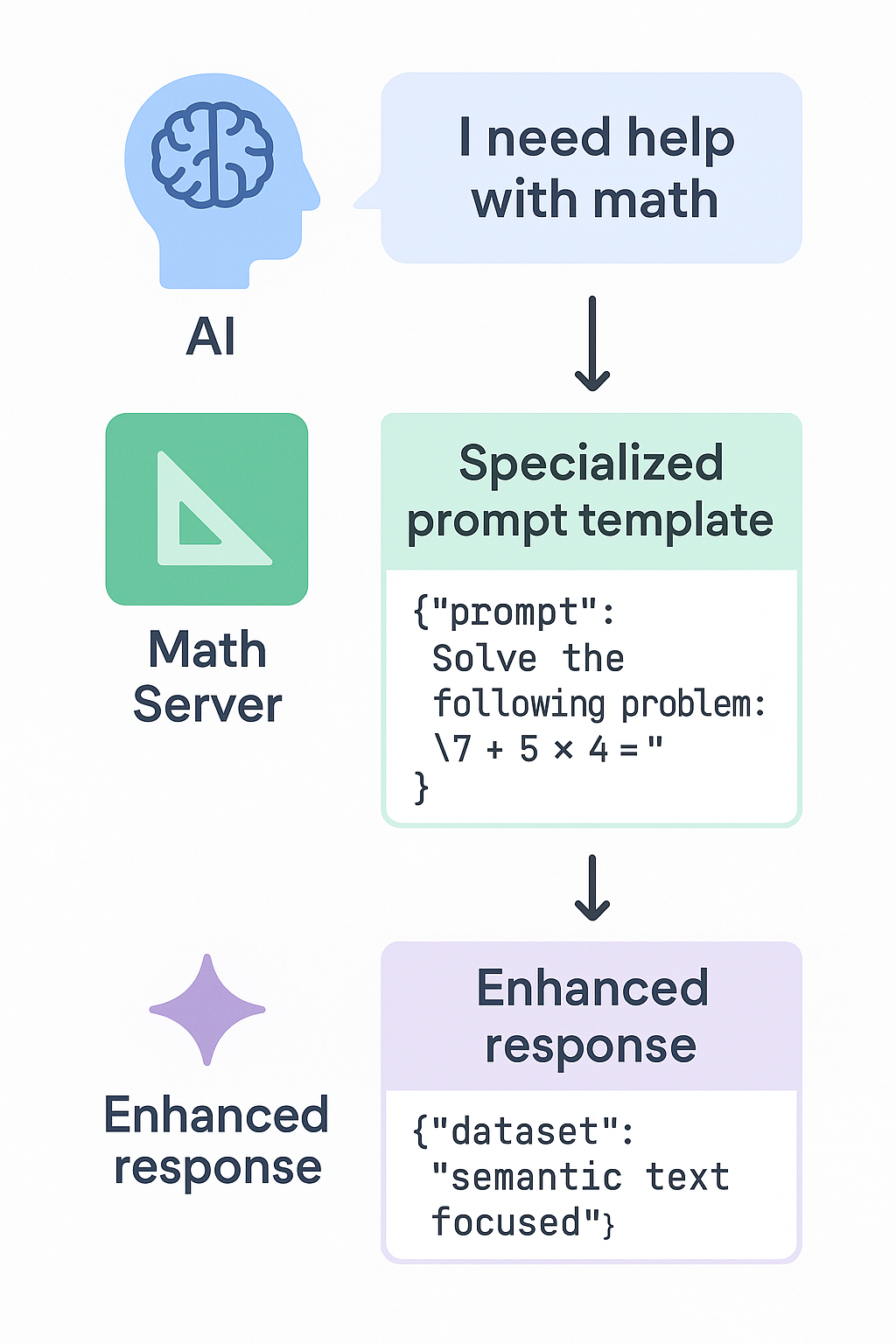
Đây là phần thú vị nhất! Thay vì hardcode prompts trong AI app, server có thể cung cấp domain-specific prompts với expertise cao!
// Math server biết cách prompt AI solve math problemsserver.registerPrompt("solve-equation", {argsSchema: { equation: z.string(), method: z.string() }}, ({ equation, method }) => ({messages: [{role: "user",content: {type: "text",text: `Solve this equation step by step: ${equation}Use ${method} method. Show:1. Original equation2. Step-by-step solution3. Final answer4. VerificationRemember to explain each algebraic manipulation clearly.`}}]}));
Tại sao prompts quan trọng?
- Domain expertise: Math server biết cách prompt solve math, DB server biết prompt optimize queries
- Context-rich: Server có thể build prompts với domain knowledge sâu
- Consistent: Standardized prompting approach across tools
🚀 MCP hoạt động như thế nào?
Phase 1: Discovery
// AI: "Tôi muốn biết bạn có gì?"const tools = await client.listTools();const resources = await client.listResources();const prompts = await client.listPrompts();// Server: "Tôi có những này đây!"// Tools: [calculate, send_email, query_db]// Resources: [file://, database://, config://]// Prompts: [solve-equation, debug-code, optimize-query]
Phase 2: Execution
// AI quyết định: "Tôi cần tính toán!"const result = await client.callTool('calculate', {expression: 'Math.sqrt(16) + Math.PI'});// → "7.141592653589793"// AI: "Tôi cần đọc file!"const content = await client.readResource('file:///README.md');// → File content// AI: "Tôi cần prompt hay để debug!"const debugPrompt = await client.getPrompt('debug-code', {error: 'TypeError: Cannot read property of undefined',code: '...'});// → Structured prompt với debugging best practices
Phase 3: Real-time Updates
// Server thông báo: "Tôi có tools mới!"server.notify('tools/list_changed');// AI tự động refresh và discover tools mớiconst newTools = await client.listTools();
🔥 Real-world Example
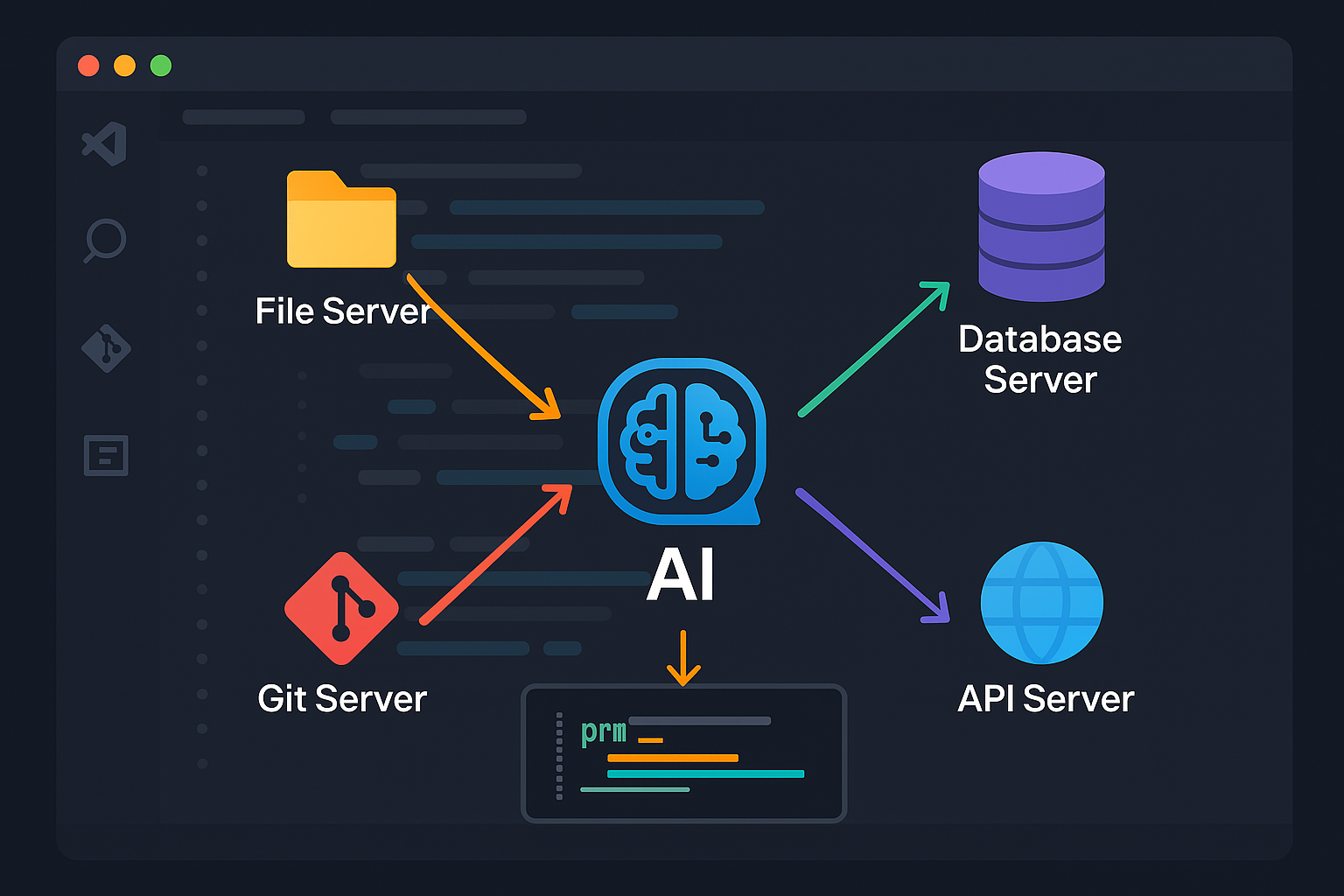
Tưởng tượng bạn đang làm việc trong VS Code với MCP:
const client = new MCPClient();// Kết nối multiple serversawait client.connect('node', ['./file-server.js']); // File operationsawait client.connect('node', ['./db-server.js']); // Database accessawait client.connect('node', ['./git-server.js']); // Git operationsawait client.connect('node', ['./api-server.js']); // API testing// Bây giờ AI có thể:// 1. List files trong projectconst files = await client.callTool('list_files', {pattern: '*.ts'});// 2. Đọc source codeconst code = await client.readResource('file:///src/main.ts');// 3. Query database để hiểu data structureconst schema = await client.callTool('describe_table', {table: 'users'});// 4. Check git historyconst commits = await client.callTool('git_log', {limit: 10});// 5. Test API endpointsconst apiResult = await client.callTool('test_endpoint', {url: '/api/users', method: 'GET'});// 6. Sử dụng specialized promptsconst codeReview = await client.getPrompt('code-review', {code: code, framework: 'React', type: 'component'});
Result: AI có full context về project và có thể thực hiện complex tasks! 🚀
🆚 MCP vs REST API - Sự khác biệt
| REST API | MCP |
|----------|-----|
| HTTP requests | JSON-RPC messages |
| Custom endpoints | Standardized methods (tools/list, tools/call) |
| Manual integration | Auto-discovery |
| Human developers | AI agents |
| Static documentation | Dynamic capability negotiation |
Điểm mấu chốt: REST API design cho con người, MCP design cho AI! 🤖
🎭 Tại sao MCP "đỉnh" thế?
1. 🔌 Pluggable Architecture
// Dễ dàng thêm/bớt capabilitiesawait addServer('./new-awesome-server.js');await removeServer('./old-server.js');// AI tự động adapt với tools mới!
2. 🌐 Network-native
// Local serversawait client.connect('node', ['./local-server.js']);// Remote serversawait client.connect('http://api.example.com/mcp');
3. 📏 Standardization
Tất cả MCP servers đều có same interface:
tools/list- List available toolstools/call- Execute a toolresources/list- List available resourcesresources/read- Read resource contentprompts/list- List available promptsprompts/get- Get prompt template
4. 🔄 Dynamic & Real-time
// Server có thể update capabilities runtimeserver.addTool('new_feature', ...);server.notify('tools/list_changed');// AI tự động biết và sử dụng ngay!
5. 🎯 Specialized Domains
Mỗi server focus vào expertise riêng:
- Math server: Advanced calculations, equation solving
- Database server: Query optimization, schema analysis
- Git server: Version control operations
- API server: HTTP testing, documentation generation
🛠️ Implement MCP Server đơn giản
import { McpServer } from "@modelcontextprotocol/sdk/server/mcp.js";import { StdioServerTransport } from "@modelcontextprotocol/sdk/server/stdio.js";const server = new McpServer({name: "my-awesome-server",version: "1.0.0"});// Add a calculator toolserver.registerTool("calculate", {title: "Calculator",description: "Evaluate mathematical expressions",inputSchema: { expression: z.string() }}, async ({ expression }) => ({content: [{ type: "text", text: String(eval(expression)) }]}));// Add a resourceserver.registerResource("config", "config://app", {title: "App Configuration"}, async () => ({contents: [{uri: "config://app",text: JSON.stringify({ env: "production", debug: false })}]}));// Add a promptserver.registerPrompt("debug-helper", {title: "Debug Assistant",argsSchema: { error: z.string(), code: z.string() }}, ({ error, code }) => ({messages: [{role: "user",content: {type: "text",text: `Help me debug this error:\n\nError: ${error}\n\nCode:\n${code}\n\nProvide step-by-step debugging approach.`}}]}));// Start serverconst transport = new StdioServerTransport();await server.connect(transport);console.log("🚀 MCP Server running!");
3 dòng code để tạo MCP client:
import { MCPClient } from './client.js';const client = new MCPClient();await client.connect('node', ['./my-server.js']);const result = await client.callTool('calculate', { expression: '2 + 2' });
Easy peasy! 🍰
🔮 Tương lai của MCP
MCP mở ra infinite possibilities:
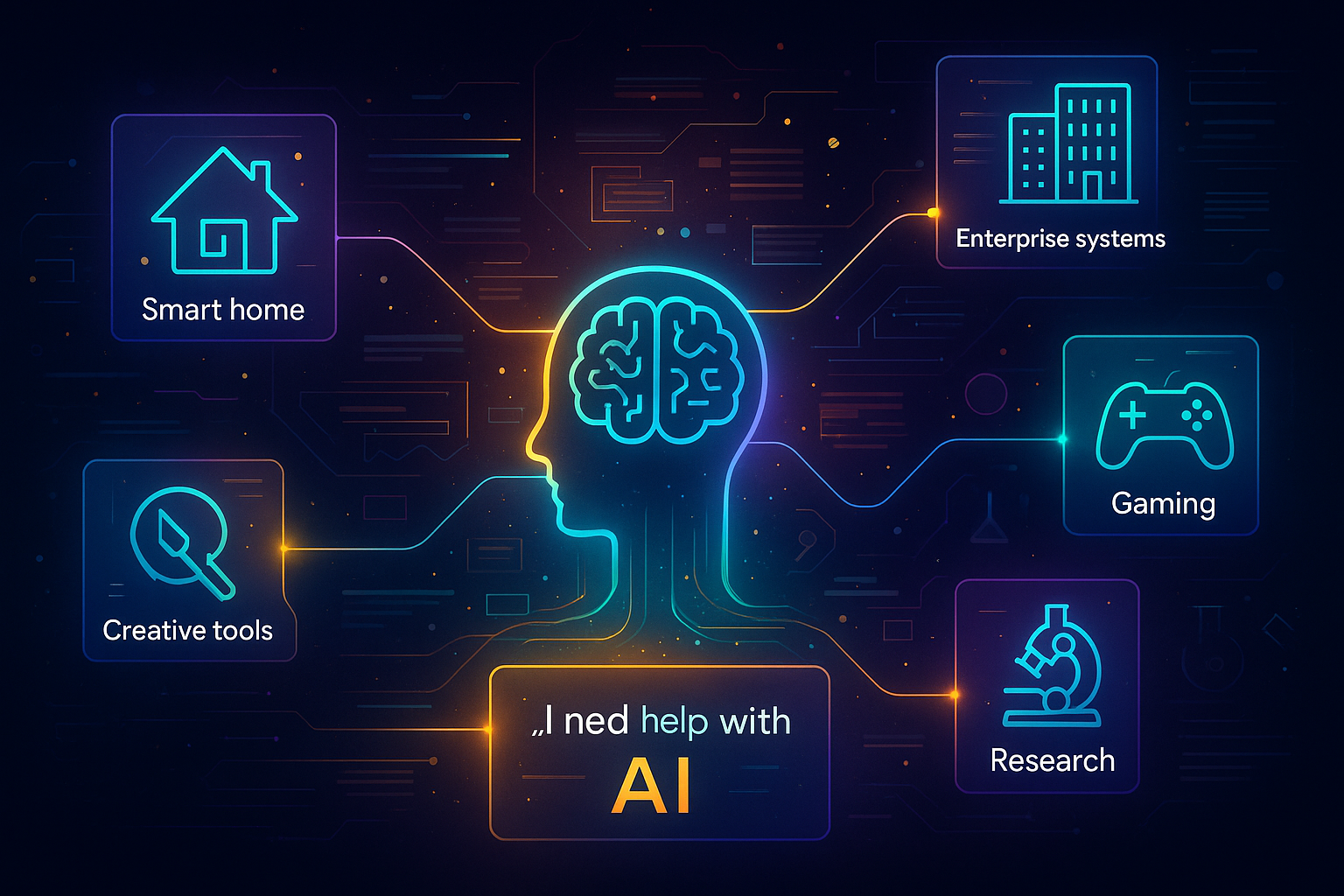
- 🏠 Smart Home: AI control IoT devices qua MCP servers
- 🏢 Enterprise: AI access internal systems safely
- 🎮 Gaming: AI interact với game engines
- 🔬 Research: AI orchestrate complex workflows
- 🎨 Creative: AI access design tools và art platforms
Tưởng tượng: AI có thể kết nối với mọi thứ mà vẫn secure và standardized! 🤯
🎯 Kết luận
MCP không chỉ là một giao thức - nó là paradigm shift trong cách AI interact với external world!
Key takeaways:
- ✅ MCP = Tool calling nâng cấp với dynamic discovery
- ✅ 3 primitives: Tools (actions), Resources (data), Prompts (templates)
- ✅ Standardized interface nhưng flexible implementation
- ✅ Real-time updates và pluggable architecture
- ✅ Design cho AI agents, not human developers
Bottom line: Nếu tool calling là "AI biết gọi function", thì MCP là "AI biết shopping for superpowers"! 🛍️⚡
Từ giờ, thay vì hỏi "AI có thể làm gì?", chúng ta sẽ hỏi "AI không thể làm gì?" 😏
P/S: Bài viết này được viết với sự hỗ trợ của MCP... à không, với sự hỗ trợ của cafein và passion cho technology! ☕️